Claw & Automate
I set up and maintain your AI assistant — remotely, worldwide, secured from day one.
Done-for-you OpenClaw setup for business owners, freelancers, and creators. No technical knowledge required — I handle the install, integrations, and configuration so you can focus on running your business. Built for anyone who wants leverage without the learning curve.
"It's like hiring a full-time assistant who never sleeps, never forgets, and costs a fraction of the price."
— ClawdBot Weekly Call attendee
Weekly group calls
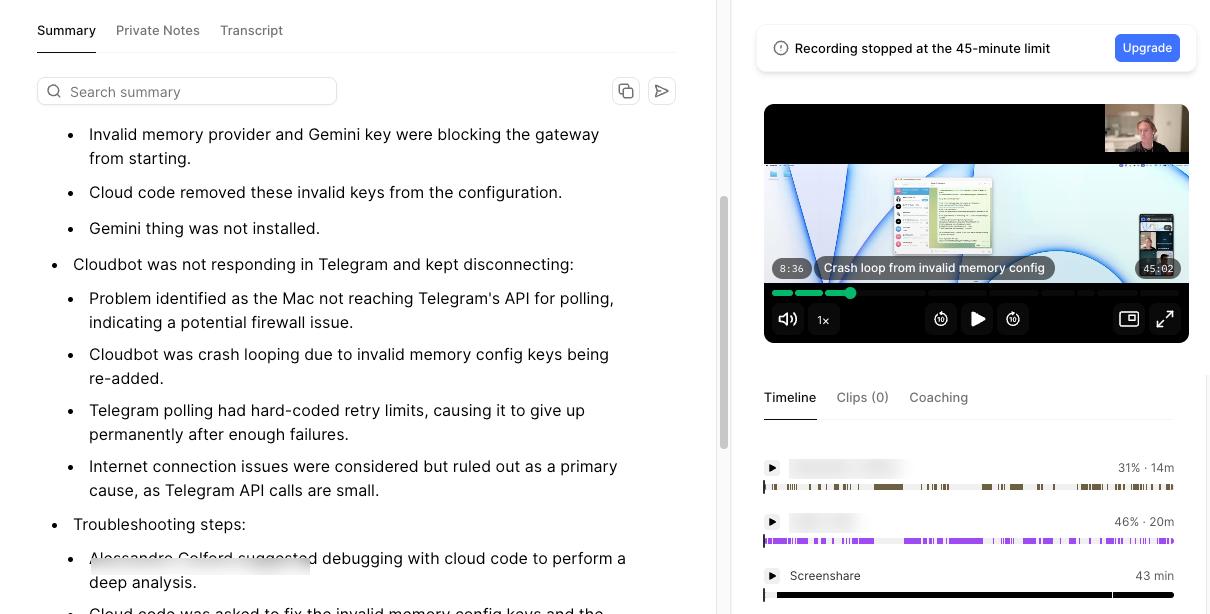
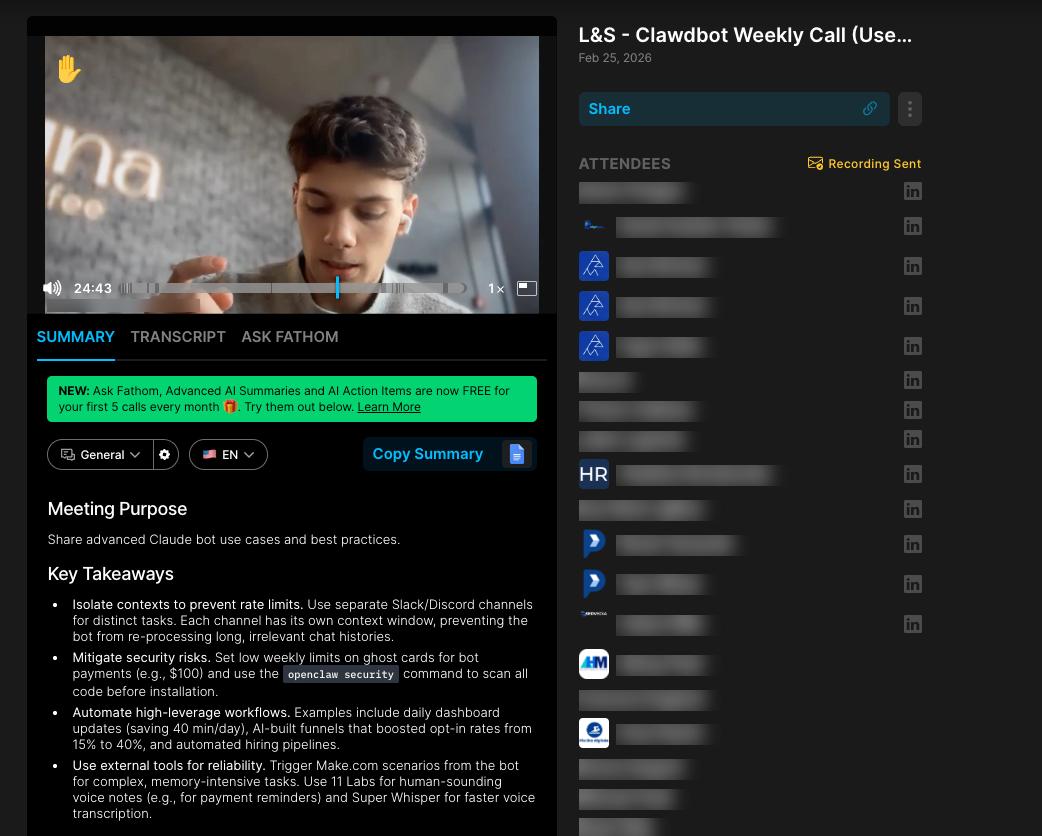
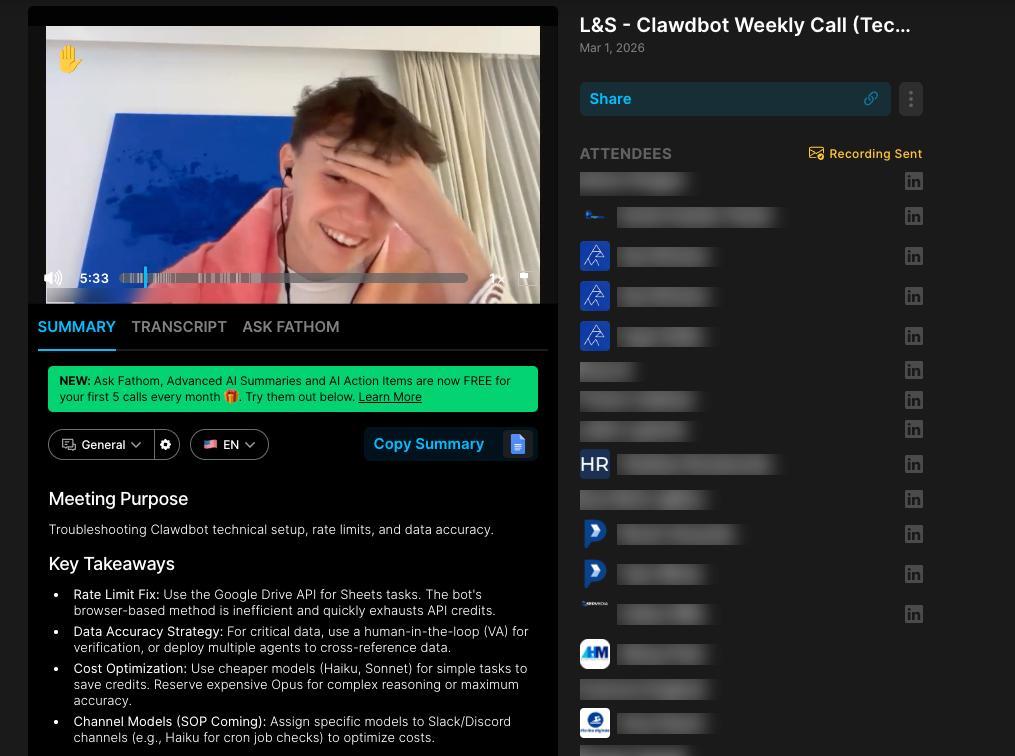
Every week I run live calls with our community — troubleshooting setups, sharing advanced use cases, and helping people get the most out of their AI assistants.
10+ attendees per call · Recordings available in the community
Built for
Business Owners
Automate client comms, invoicing, and reporting so you can focus on growth.
Freelancers & Creators
Handle emails, scheduling, and admin on autopilot. Spend time creating, not managing.
Agency Owners
Scale operations without hiring more staff. Let AI handle coordination and follow-ups.
Anyone Curious
No tech skills needed. You just want to try AI and see what it can do for you.
Always on
Your AI assistant doesn't take breaks. It runs in the background 24/7 — checking your email, preparing your day, monitoring your channels, and executing automations on schedule.
Every 30 min
Checks your inbox, drafts replies, flags urgent messages
9:00 AM daily
Sends your morning briefing with calendar, prep notes, and priorities
On demand
Chat via Telegram, WhatsApp, or Slack — like texting an assistant
Ongoing
Monitors Slack and Discord channels, summarizes what matters
How it works
1.
Free call
We chat about your workflow, tools, and what you want to automate. No commitment, just a conversation.
2.
Setup day
I configure everything remotely. Your AI assistant, integrations, automations — all done. You go live same day.
3.
You're live
Your AI assistant is running 24/7. I stick around to make sure everything works and you know how to use it.
Free resources
Free Setup SOP
Step-by-step document walking you through the entire setup process. Follow along at your own pace.
Download the SOP →
YouTube Tutorial
Watch me build an AI assistant from scratch. See exactly what you're getting before you commit.
Watch on YouTube →
Free Training & Community
Join the Skool group for free training, templates, and a community of people building with AI.
Join the community →
Why work with me
I'm not a reseller or a consultant reading from a script. I build and use this stuff every single day. I've managed AI-powered operations for a marketing agency with 170+ active clients. I know what breaks, what scales, and what actually saves you time.
When I set up your assistant, I also teach you how it works. You'll get a full walkthrough, a written SOP, and 7 days of post-setup support. You won't be left guessing — you'll actually understand your system.
Based in Dubai, available remotely worldwide. Whether you're local or on the other side of the planet, I can configure everything remotely in a single session.
Talk to Alessandro — free 15-min strategy call →
Hosted Setup Recommended
Managed service — we host, harden + 14-day hypercare
$3,000
Mac Mini Setup
Remote — iMessage integration + local hardware
$5,000
Mac Mini In-Person (Dubai)
Dubai — on-site setup + iMessage
$6,000
Mac Mini In-Person (Worldwide)
We fly to you — on-site setup + iMessage, anywhere
$15,000
Add Another Agent
CEO, EA, Sales, Finance — deploy your exec team
+$1,500 each
Book a free call →

Talk to Alessandro
AI automation specialist. Happy to answer any questions
@alessandrobuildsai →
FAQ
› What is OpenClaw?
OpenClaw is your personal AI assistant that runs 24/7. It connects to your email, calendar, Slack, and other tools to automate tasks, draft replies, send briefings, and handle workflows — all without you lifting a finger.
› Do I need to be technical?
Not at all. I handle the entire setup for you. Once it's running, you interact with your AI assistant through simple messages — just like texting. I also give you a full walkthrough so you feel confident using it.
› How long does setup take?
Same day. We hop on a call, I configure everything remotely, and by the end of the day your AI assistant is live and running. Most setups are done within a few hours.
› What tools can it connect to?
Email (Gmail, Outlook), Google Calendar, Slack, Discord, WhatsApp, Telegram, CRMs, Google Sheets, Notion, and many more. If there's an API or integration available, we can probably connect it.
› Is my data safe?
Absolutely. Everything is set up with a security-first approach. Your assistant runs in a sandboxed environment, no raw credentials are exposed, and you maintain full control over what it can access.
› Currently Dubai only?
I'm starting with Dubai for in-person setups, but remote setups worldwide are available now. If you're outside Dubai, still book a call — I can configure everything remotely.